

Download Microsoft Edge – Microsoft Edge, free web browser, Chromium-based, web browser, Internet Explorer replacement, online apps, Microsoft 365, AI-powered assistant, Copilot, web browser with extensions, modern websites, streaming, fast startup, multi-tab browsing, AI integration, web browser for Windows, web browser for Mac
Overview
Microsoft Edge is a modern, Chromium-based web browser designed to serve as a successor to Internet Explorer. It offers a streamlined experience for users seeking fast, reliable access to the web, online applications, and digital content. Built with performance and compatibility in mind, the browser supports contemporary web standards such as JavaScript, HTML5, and responsive design, ensuring smooth rendering of dynamic websites and media-rich platforms.
Its primary purpose is to replace legacy browsing solutions with a more efficient and secure alternative. The software is targeted at both general consumers and professionals who rely on web-based tools for daily tasks, including document editing, email, video conferencing, and content creation. It integrates with Microsoft 365 services, enabling users to leverage AI-powered features through Copilot, which enhances productivity via intelligent task automation.
Real-world use cases include managing multiple tabs during research, accessing cloud-based applications, and using AI tools for summarizing emails or extracting insights from web content. The browser is available at no cost, making it accessible to a wide audience. The developer did not provide additional system requirements.
Key Features & Capabilities
- Chromium-based Architecture: Ensures broad compatibility with web standards and a consistent experience across platforms.
- Extension Support: Allows users to enhance functionality with third-party add-ons, improving customization and workflow efficiency.
- AI-Powered Copilot Integration: Offers sidebar-based assistance for summarizing content, generating insights, and automating tasks using data from open tabs and emails.
- Fast Startup and Tab Performance: Optimized for quick launch times and rapid tab loading, improving overall browsing responsiveness.
- Multi-Tab Browsing: Efficiently manages multiple open pages, making it suitable for research, multitasking, and working with PDFs or web apps.
- Streaming and Media Support: Handles video and audio playback smoothly, ideal for consuming online content.
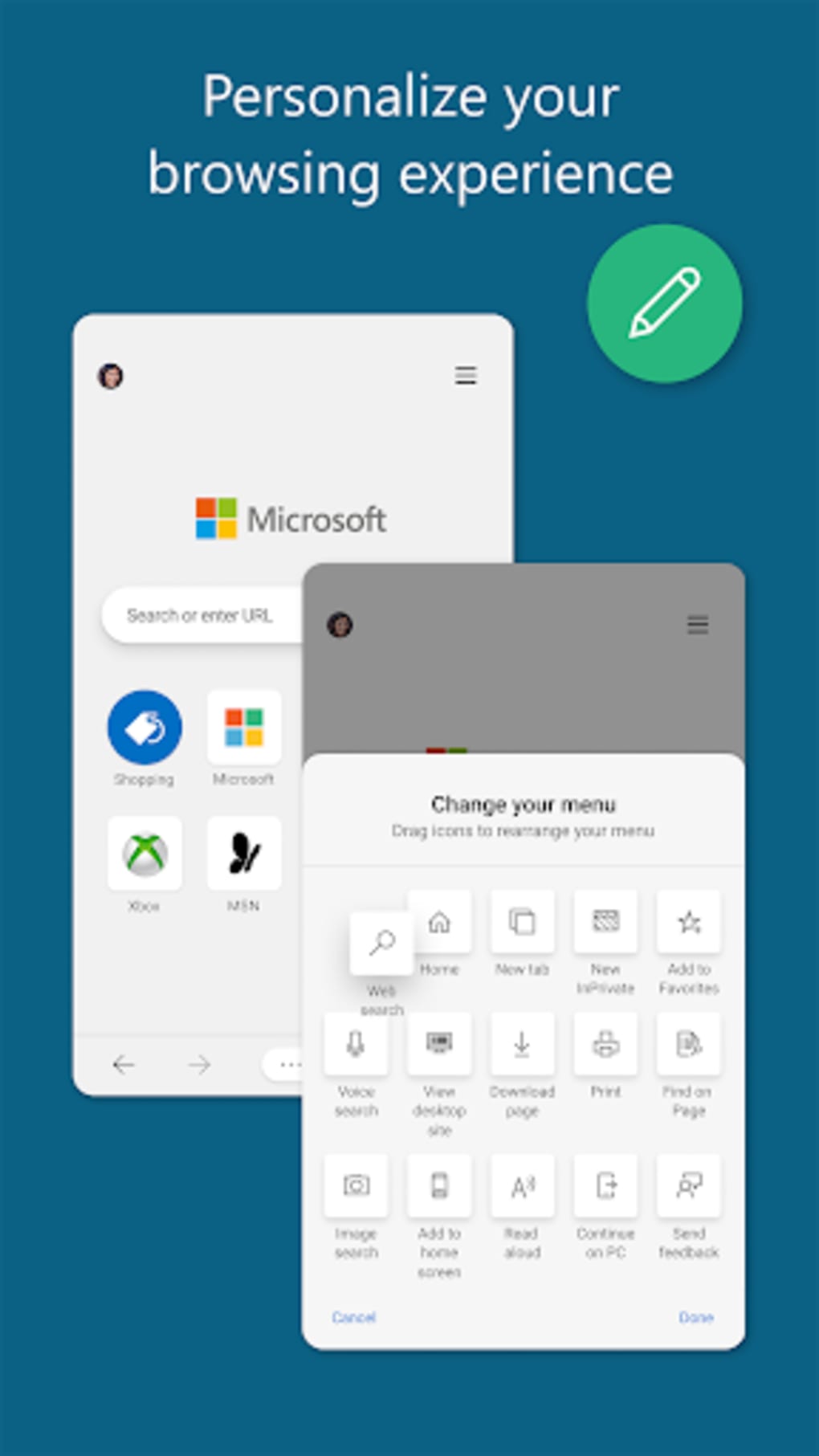
- Sleek, Modular UI: Features a clean, minimal design that prioritizes focus and reduces visual clutter.
These capabilities support real-world workflows such as content research, collaborative document work, and digital content consumption. For example, users can open several tabs for a project, use Copilot to summarize key points from each, and export insights directly. The browser’s ability to handle modern websites ensures compatibility with cloud-based tools and dynamic interfaces.
User Interface, Workflow & Performance
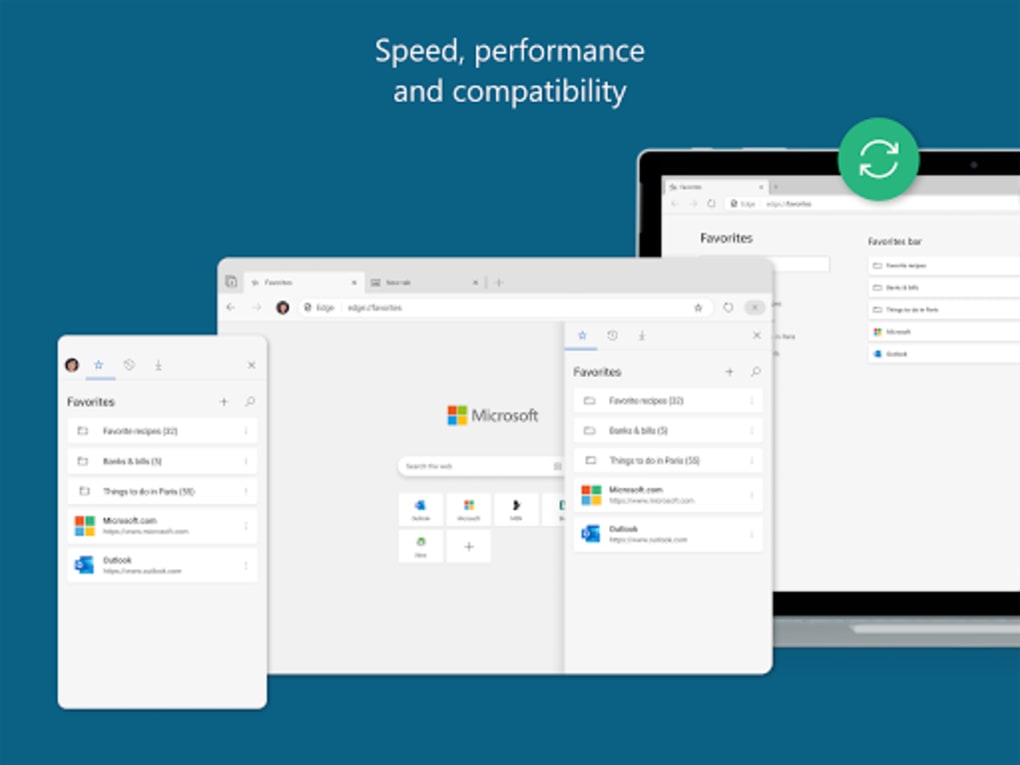
Microsoft Edge presents a streamlined, modern interface with a focus on simplicity and efficiency. The layout emphasizes clean navigation, with intuitive access to profiles, settings, and the Copilot sidebar. Users can quickly switch between browsing sessions, manage tabs, and access frequently used sites.
The workflow is designed to minimize friction, allowing rapid access to tools and information. Performance observations are based on general software behavior patterns. The browser is optimized for fast startup and responsive tab management, which enhances productivity during multi-tasking.
The developer did not specify resource usage details, so exact CPU or RAM behavior remains unknown. Stability is assumed to be consistent with Chromium-based applications, though no specific data was provided. The browser maintains compatibility with modern web technologies, ensuring reliable rendering of interactive content.
Overall, the user experience appears tailored toward users who value speed, minimalism, and integrated AI assistance.
Compatibility & System Requirements
Microsoft Edge is available for both Windows and Mac operating systems. The current version is 127.0.2651.108, with a file size of 158 MB. The browser is designed to run on modern desktop environments and supports the latest web standards.
Exact system requirements were not listed by the developer. Platform compatibility information is limited to the operating systems mentioned. Installation is straightforward, and the software is compatible with a wide range of devices meeting standard desktop specifications.
Users should ensure their system meets general requirements for running modern web applications, though no specific hardware details were provided.
Pros and Cons
Pros
- Free to download and use
- Chromium-based for broad website compatibility
- Fast startup and tab loading
- Supports browser extensions
- Integrated AI assistant (Copilot) for enhanced productivity
- Modern, clean user interface
- Efficient multi-tab and multi-window management
- Strong support for streaming and modern web technologies
Cons
- Default new tab page is filled with ads and MSN content
- Top Sites feature prioritizes paid affiliate sites over user preferences
- Limited customization compared to older browsers
- Ad-blocking capabilities are not as strong as competitors
- Privacy and security features are adequate but not exceptional
FAQ Section
Is Microsoft Edge available for Windows and Mac?
Yes, Microsoft Edge is available for both Windows and Mac operating systems.
Is Microsoft Edge a free web browser?
Yes, Microsoft Edge is offered at no cost.
Can I use extensions in Microsoft Edge?
Yes, the browser supports extensions, allowing users to enhance functionality.
Does Microsoft Edge integrate with Microsoft 365?
Yes, newer versions include integration with Microsoft 365, particularly through the Copilot AI assistant.
Is Microsoft Edge secure?
Microsoft Edge includes standard privacy and security features, though they are described as adequate rather than exceptional. Users should remain cautious with default settings, especially regarding data collection and advertising.
Final Thoughts
Microsoft Edge represents a significant evolution from its predecessor, Internet Explorer, offering a faster, more secure, and modern browsing experience. Its Chromium foundation ensures compatibility with today’s web, while AI integration through Copilot adds a layer of productivity that sets it apart from many competitors. The sleek design and efficient multi-tab handling make it well-suited for both everyday users and professionals.
However, the browser’s default behavior—such as promoting ads and affiliate content—may frustrate users seeking a more neutral experience. Despite these drawbacks, its performance, free access, and integration with Microsoft 365 make it a compelling choice for users within the Microsoft ecosystem. For those prioritizing speed, AI assistance, and modern web support, Microsoft Edge delivers strong value.
Download Microsoft Edge now.






.png)
